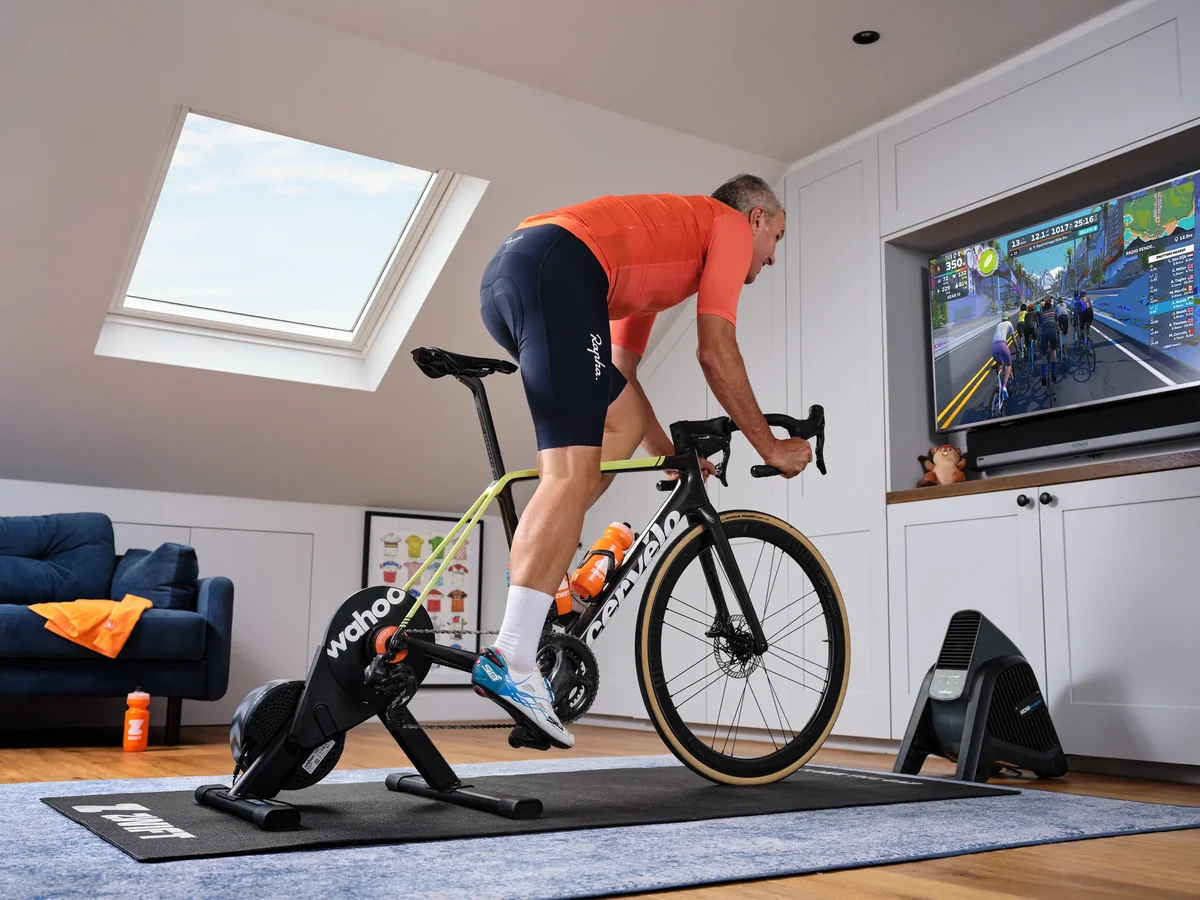
Everyone who Zwifts has a moment where they find themselves staring at their phone at 11pm, browsing smart trainers and cooling fans and wondering what the ultimate indoor cycling room would actually look like. Money no object. Starting from scratch.
This is that list. Every item here is something I'd choose if I was building my dream Zwift setup from zero — no compromises, no "that'll do." Whether you're brand new to indoor cycling or already riding and looking to upgrade, here's what the complete picture looks like.
This page contains affiliate links. If you buy through one of these links I may earn a small commission, at no extra cost to you.
1. Zwift — the software that makes it all possible
Before any hardware, you need Zwift itself. It's what turns a stationary trainer into 100+ virtual worlds with group rides, structured training plans and racing. Without it, you've got an expensive bike stand.
Zwift offers a free trial before you commit to a subscription.
Try Zwift free →2. The bundle: Zwift Ride + Wahoo KICKR Core 2
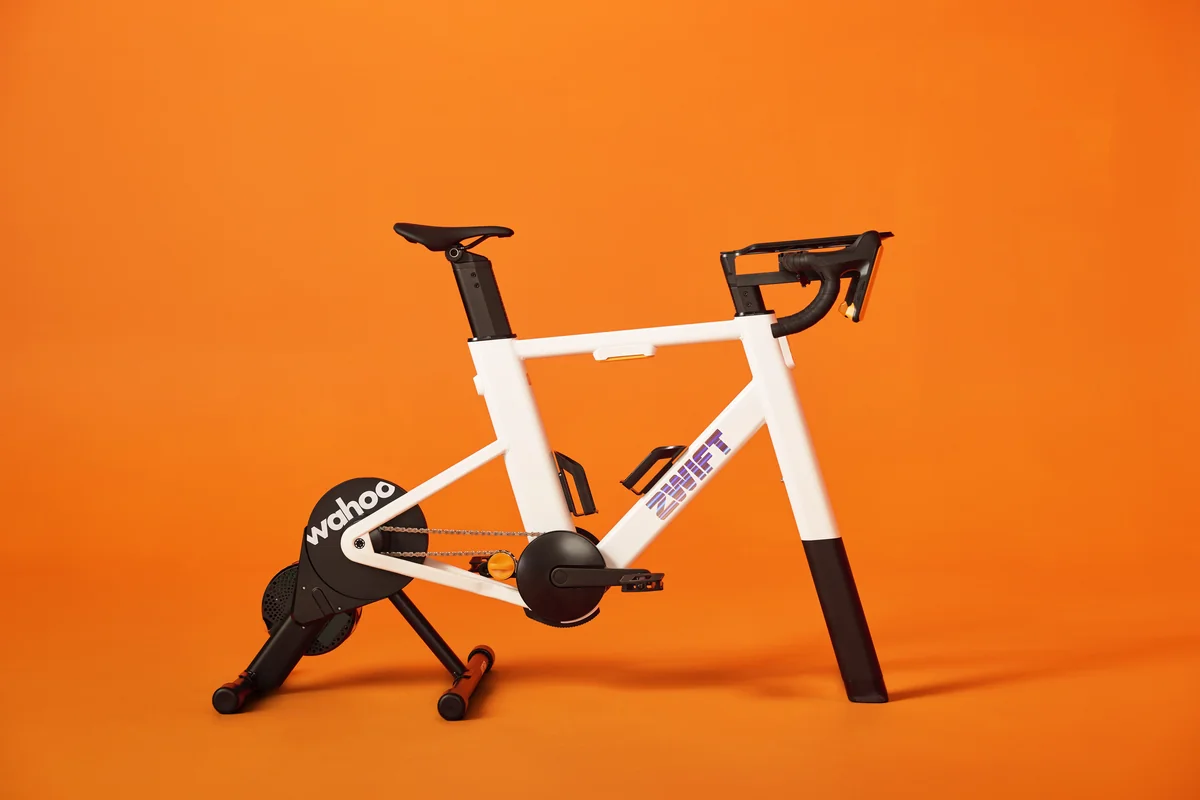
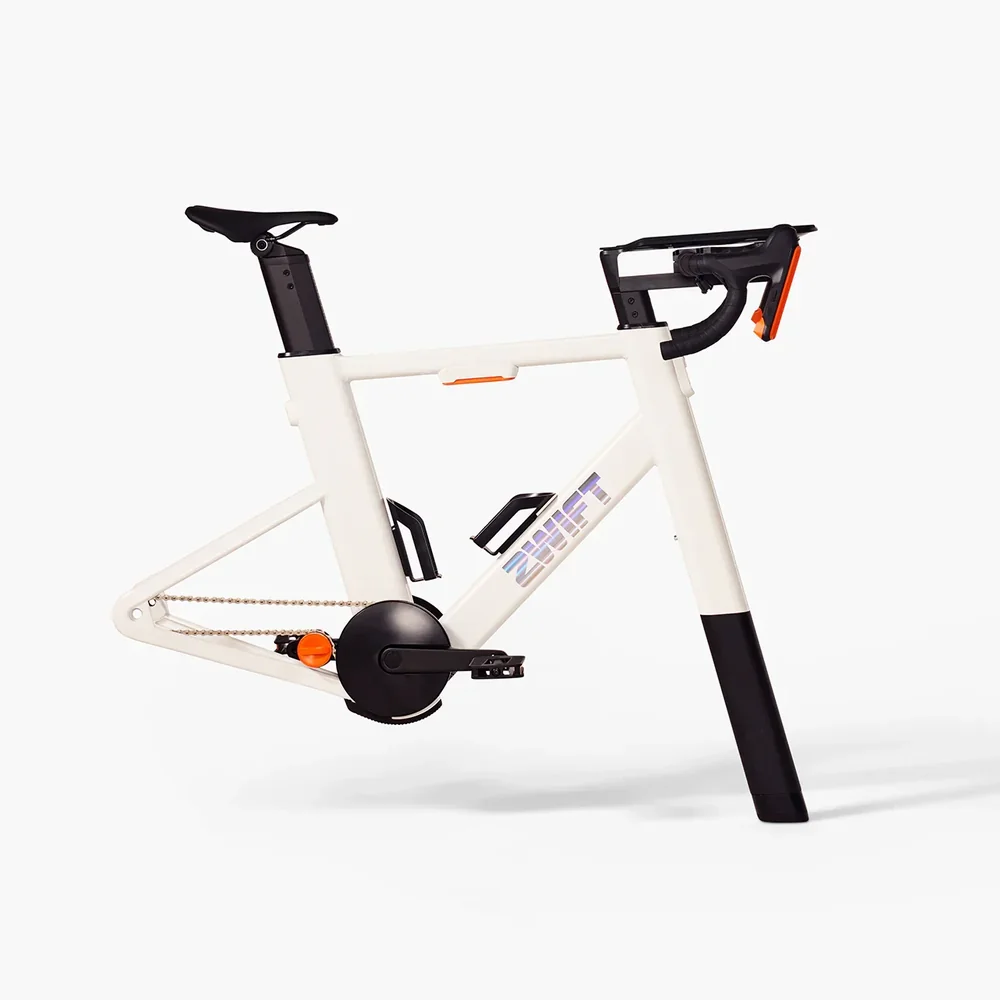
If there's one decision that defines the dream setup, it's this one. The Zwift Ride + KICKR Core 2 bundle pairs Zwift's own smart frame with Wahoo's best mid-range direct drive trainer, and buying them together costs less than buying them separately.
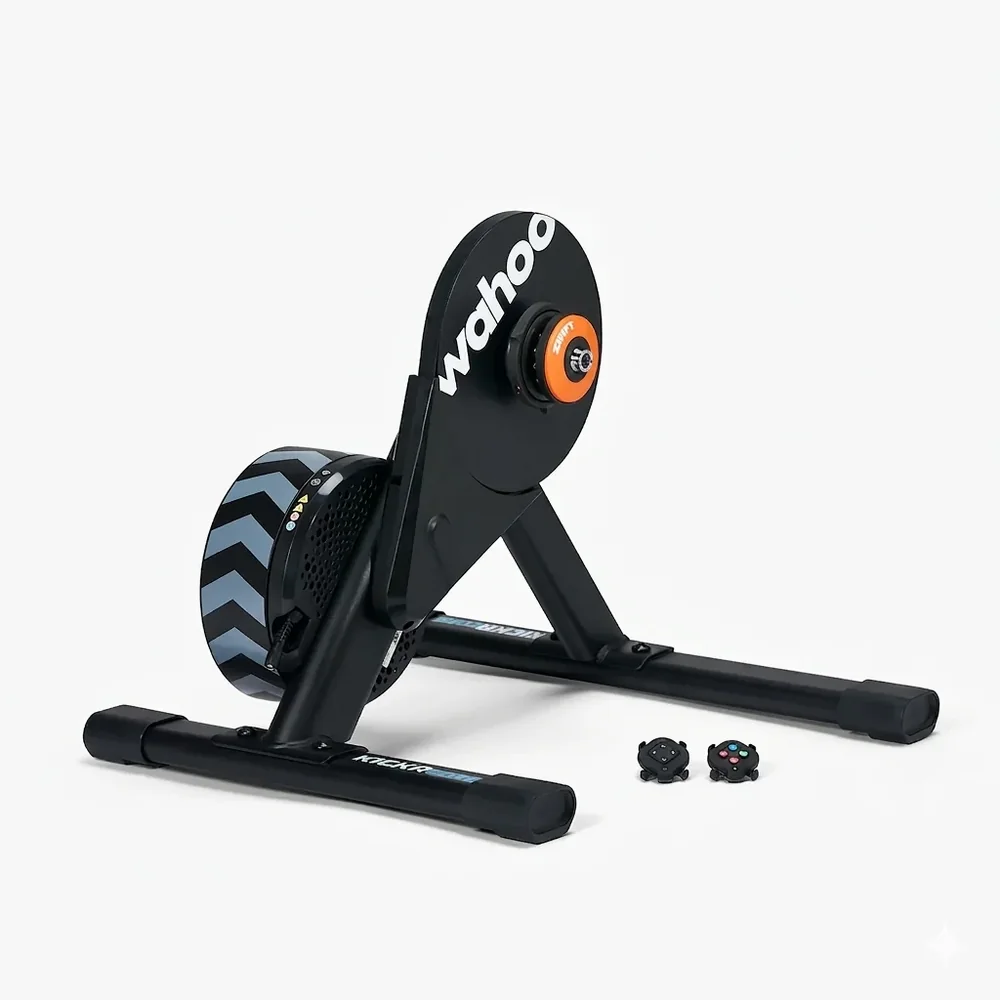
The KICKR Core 2 is the engine. It connects directly to the drivetrain, simulates gradients up to 16%, and measures power accurately enough that you stop second-guessing your numbers. It also has a built-in cadence sensor, so there's one fewer thing to pair and forget about.
The Zwift Ride frame sits on top and turns the whole thing into a dedicated indoor bike you leave set up permanently. No dragging your road bike in from the garage, no removing the rear wheel, no greasy chain on the carpet. You finish your ride and walk away. The frame is fully adjustable for fit, which matters more than most people expect — a proper position makes the difference between sessions you look forward to and sessions you grind through.
Buy the bundle →Prefer to buy them separately?
3. Zwift Cog & Click Upgrade Kit — if you're using your own bike
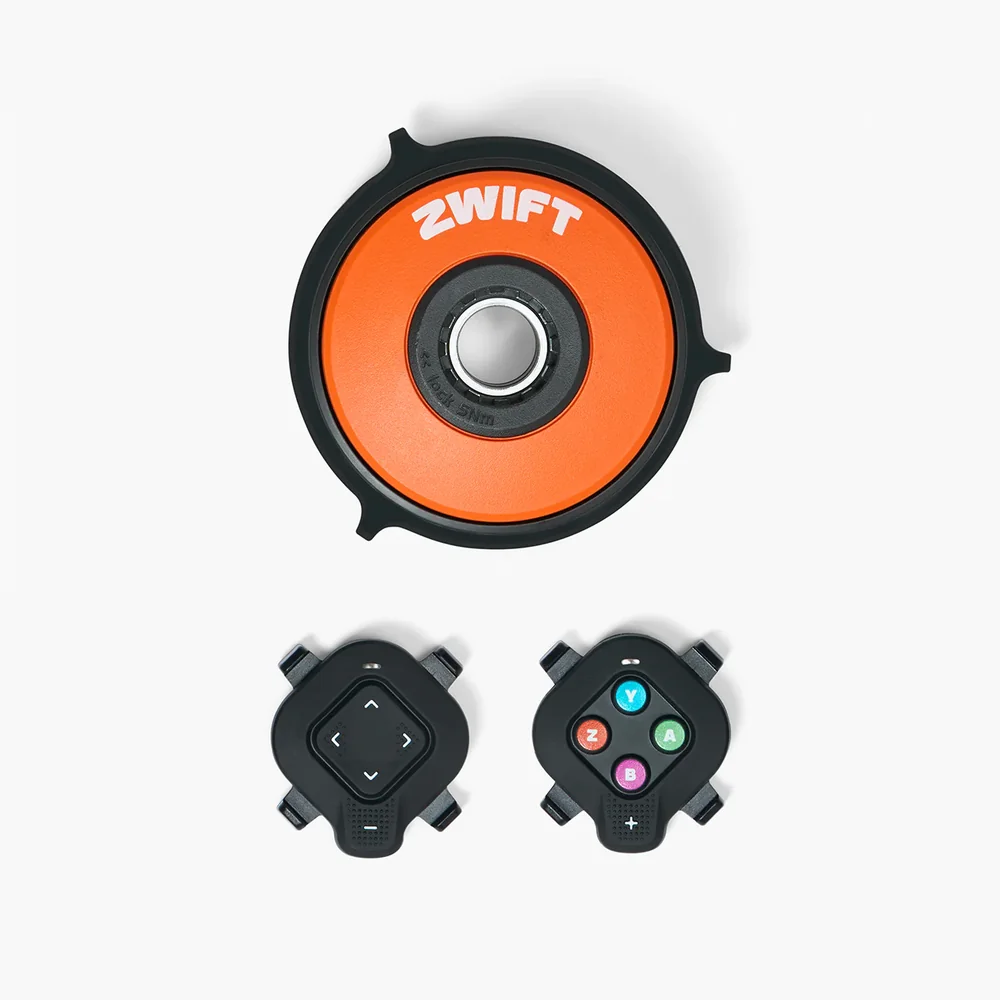
Prefer to ride your own bike? That works fine. But if you're going that route, the Zwift Cog & Click Upgrade Kit is worth adding.
The Cog replaces the standard cassette on the KICKR Core 2 and works with Zwift's Click virtual shifting system — you shift gears in-game without a traditional derailleur or shifters. It's as close as you'll get to the Zwift Ride experience without buying the frame.
Buy the Cog & Click Kit →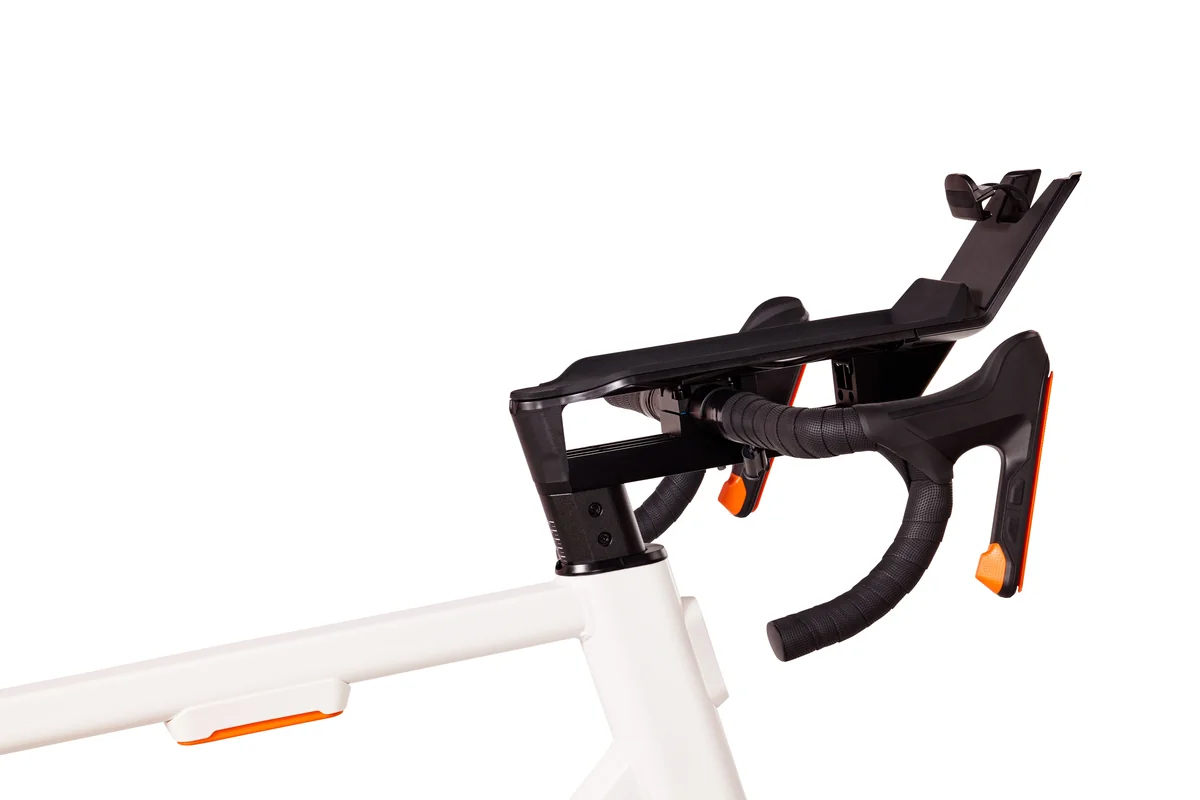
4. Zwift Ride Tablet Holder
If you're going with the Zwift Ride frame, the Zwift Ride Tablet Holder clips onto the handlebars and holds your tablet at the right viewing angle. A screen wobbling around mid-sprint is one of those low-level irritants that kills your focus. This sorts it.
Buy the Tablet Holder →5. Screen and device — go big
A large TV, 55 inches or bigger, and a Mac Mini to drive it. Zwift on a big screen is a different world compared to a tablet — the course detail, the other riders around you, the way a climb looks on a 55" OLED. The Mac Mini runs near-silently, takes up almost no space, and handles Zwift at high settings without complaint.
For the full range of compatible options:
- Zwift supported devices — official list
- Best computers and tablets for Zwift — Cycling News
- ZwiftInsider — devices and computers guide
Find Your Watt Targets for Every RoboPacer
Once you're set up, use the free calculator to see exactly how many watts you need to ride alongside each RoboPacer at your weight.
⚡ Use the Calculator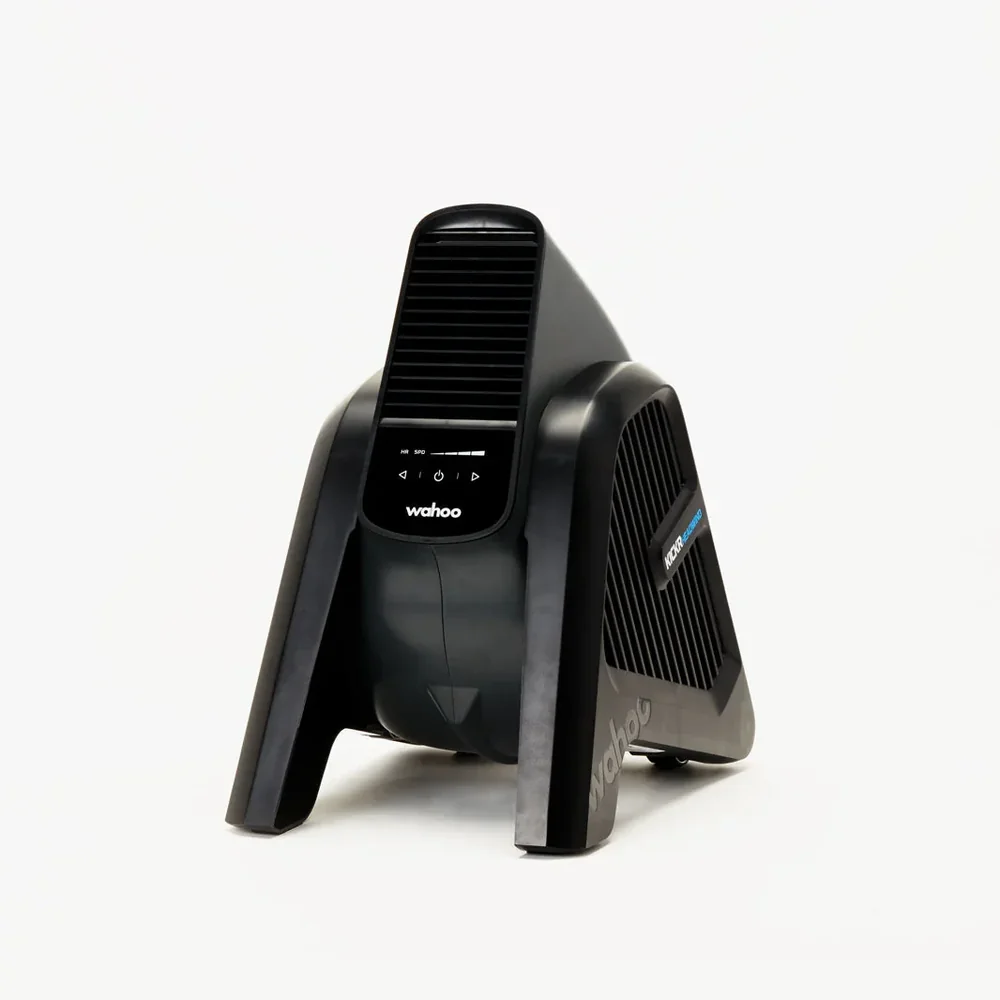
6. Wahoo KICKR Headwind — a fan that actually thinks
A standard fan keeps you cool. The KICKR Headwind adjusts speed based on how hard you're actually working — it connects to your KICKR or heart rate monitor and responds automatically. Faster as your speed climbs, backed off when you ease up.
On cold winter mornings when you're still warming up, that matters. You're not getting blasted with cold air before you've broken a sweat. A couple of kilometres in, when your heart rate is climbing, it opens up. By the time you're deep into a tough climb pushing 160bpm, you'll be glad it's running flat out.
Yes, it's a luxury. So is everything else on this list.
Buy the KICKR Headwind →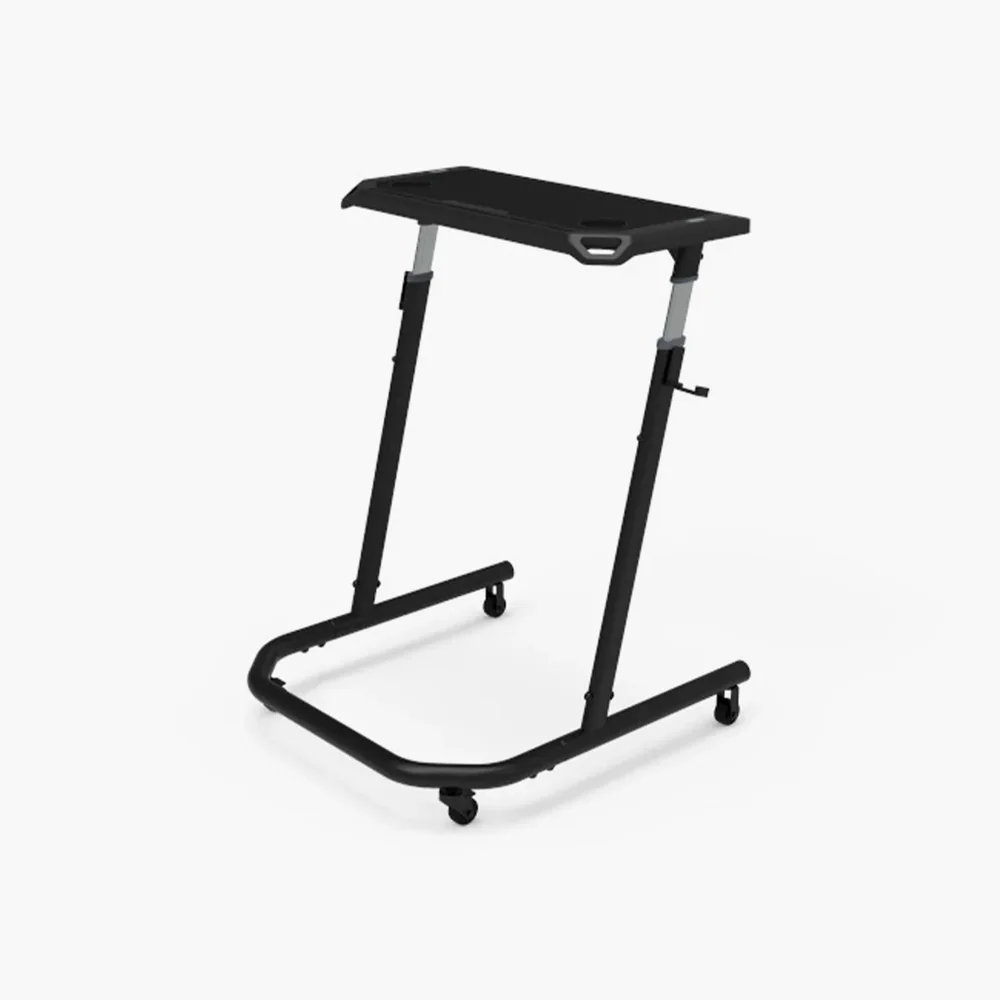
7. Wahoo KICKR Indoor Cycling Desk
Sounds optional until you've ridden a few sessions without one. It sits beside the trainer on castors and gives you somewhere to put your laptop, phone, water bottle and anything else you'd otherwise be leaning off the bike to grab. Adjustable height, folds flat when not in use. After a week you won't remember riding without it.
Buy the Cycling Desk →The finishing touches
Three items that don't make the headlines but make every session better. Buy them once, forget about them.
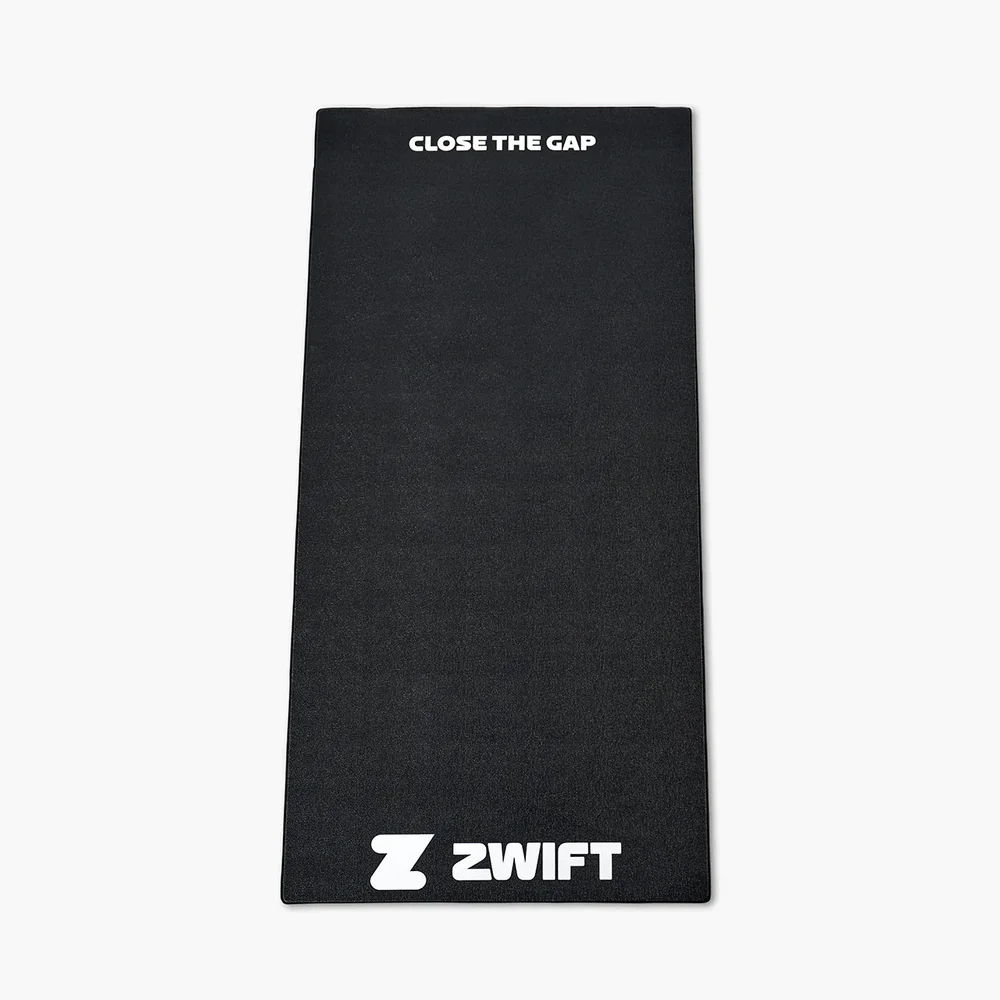
8. Zwift Training Mat
Goes under everything. Protects the floor, dampens vibration, and catches the sweat. Indoor cycling produces more of it than most people expect. A mat handles it. Towels scattered around the carpet don't.
Buy the Training Mat →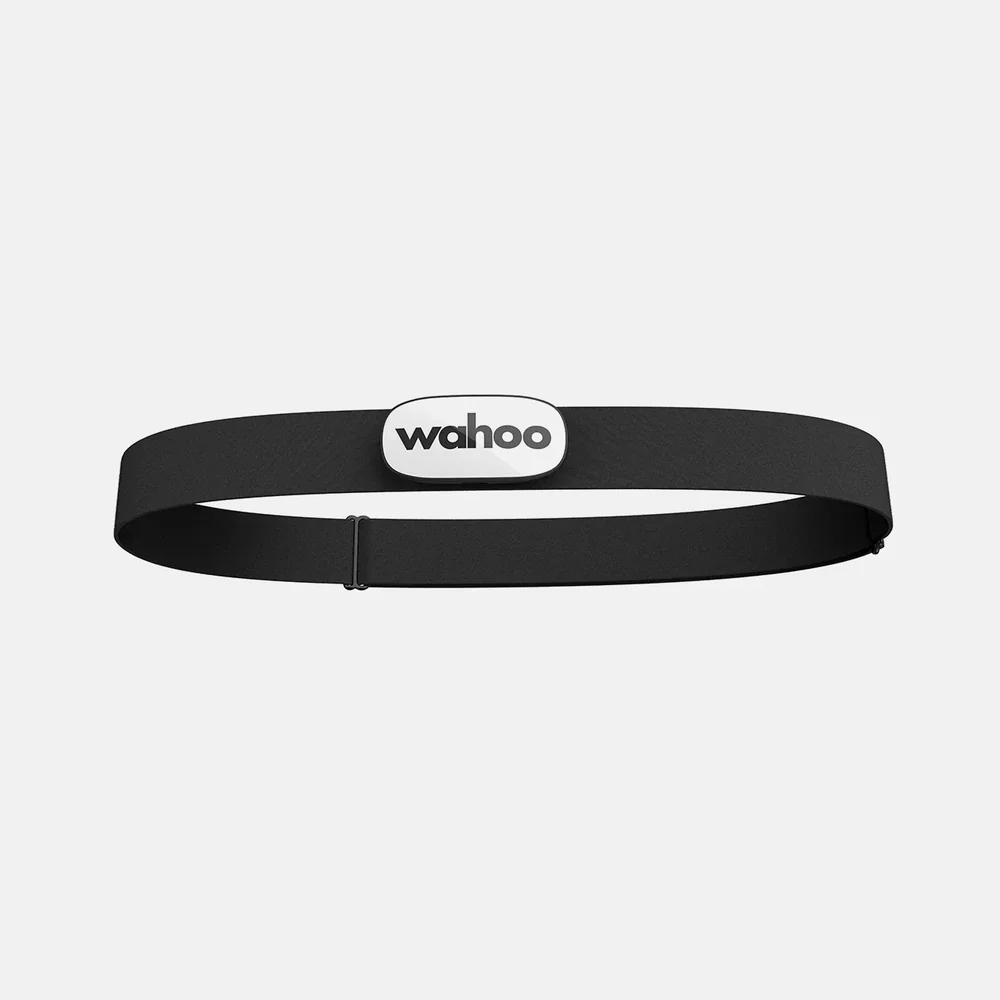
9. Wahoo Trackr Heart Rate Monitor
Watts show how hard you're pushing the pedals. Heart rate shows whether your body can sustain it. The Trackr chest strap pairs directly with Zwift and is comfortable enough that after a few minutes you forget it's there.
Buy the Wahoo Trackr →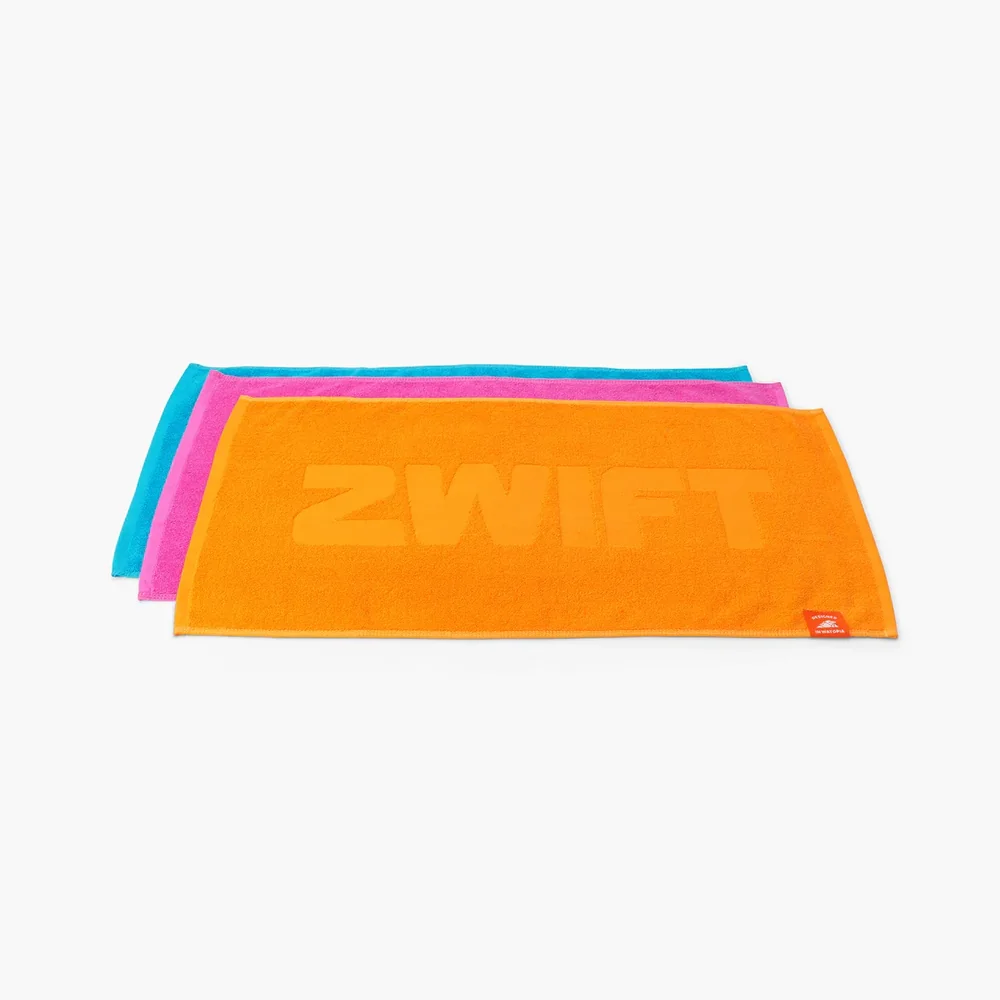
10. Core Sweat Towels
Three in the set — orange, pink and teal. Zwift branded. Drape a couple over the frame and handlebars before you start. Your bike will thank you, and so will whoever has to sit near it afterwards.
Buy the Core Sweat Towels →11. Cycling shoes
Not sold by Zwift, so no affiliate link here — but worth mentioning. Clip-in shoes and compatible pedals improve power transfer when you're putting down serious effort. If you're building a setup this good, proper shoes are worth the addition.
The complete setup
Put it all together and you have a Zwift room that's ready to go every morning without any fuss, looks the part, and removes most of the small frictions that make people skip sessions.
Is it expensive? Yes. Is it the best possible version of Zwift? Also yes.